Instagram Lookbook AI – One Photo, 8 Poses
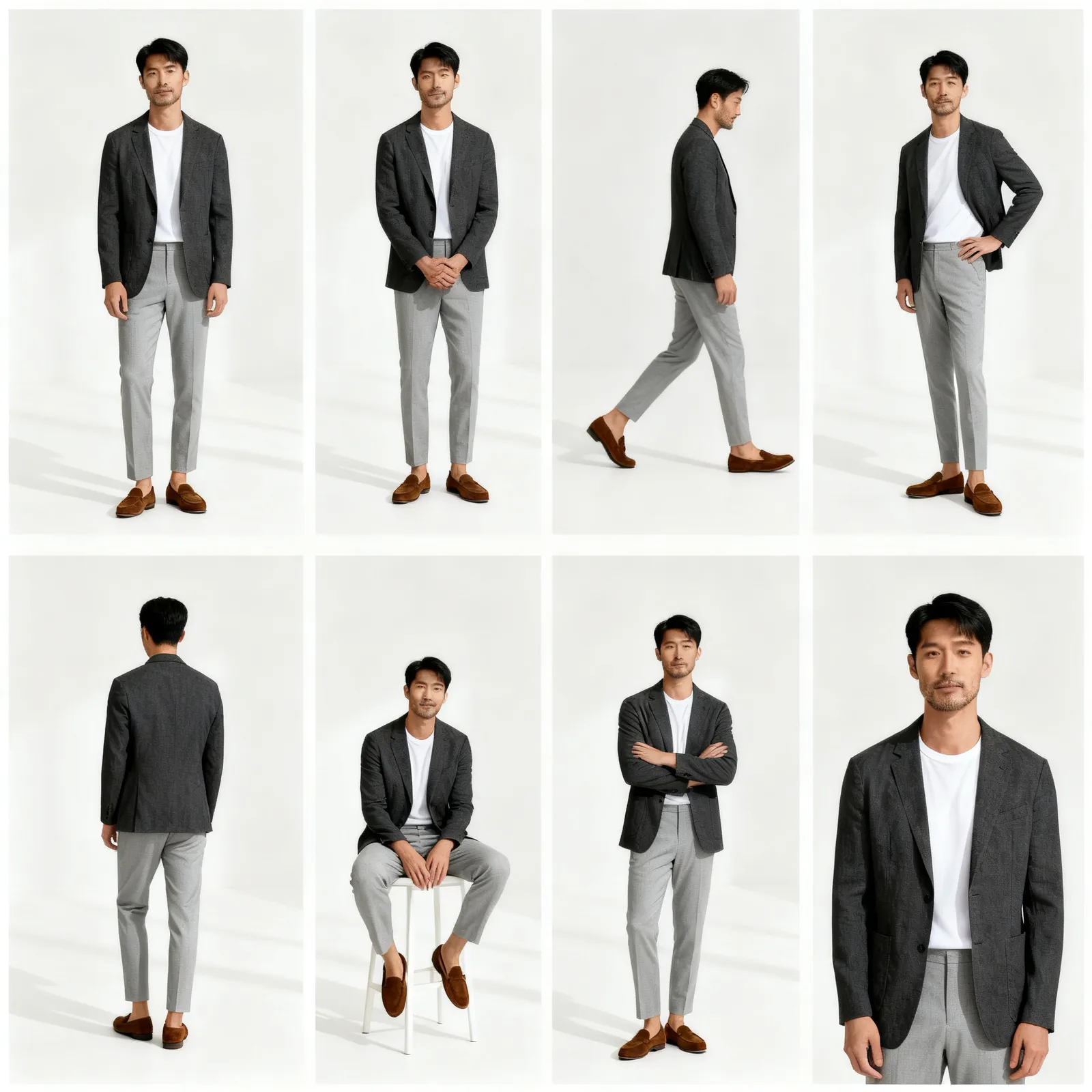
Turn one adult photo into a white-background lookbook collage with eight poses.
Independent tool, not affiliated with, endorsed by, or sponsored by Instagram or Meta Platforms, Inc.
Examples
One photo → an 8-pose lookbook. The input model is AI-generated, not a real person. Results will vary.
Studio
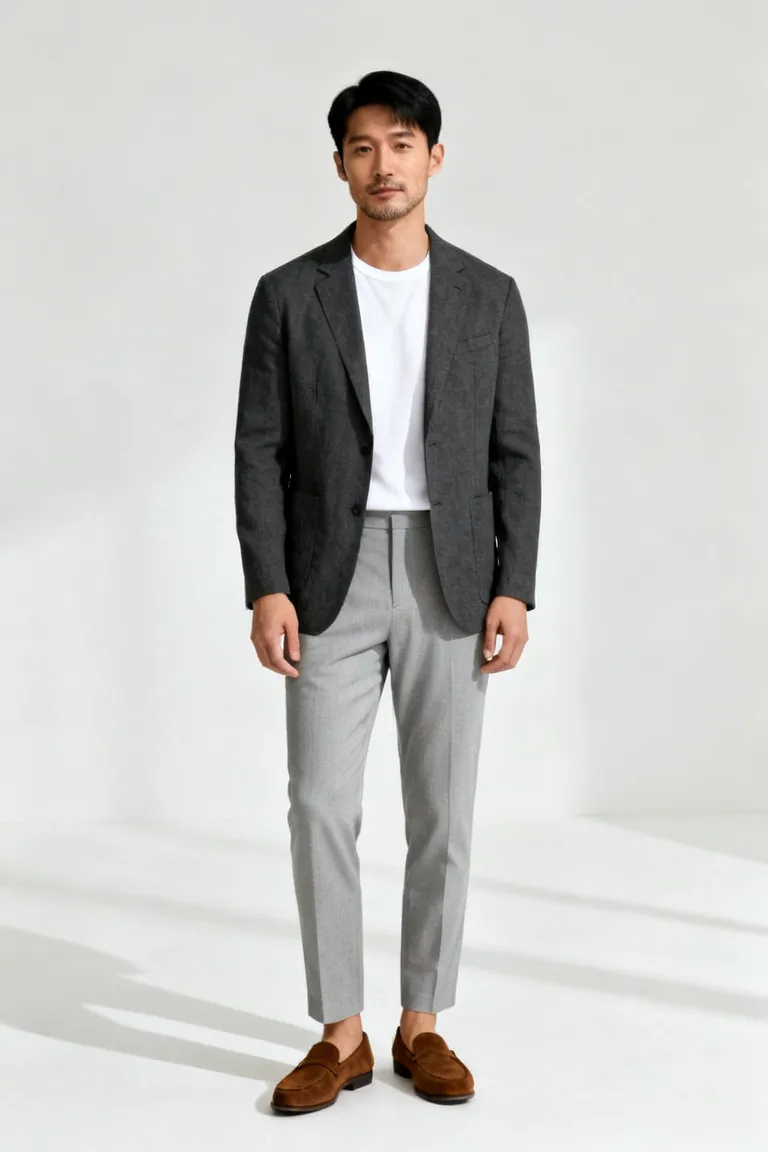
AI-generated input
8-pose lookbookAI-generated example
From one photo to a lookbook
1. Choose one adult photo
Use a clear full-body photo with your outfit visible.
2. Review and generate
Sign in, review the credit quote, then confirm your edit.
3. Download your lookbook
Save one PNG collage with eight poses and an AI-generated label.
Lookbook questions
What does Instagram lookbook AI make?
One photo becomes one white-background collage with eight full-body poses. The template asks the AI to keep the same adult and outfit throughout. Faces, hands and pose count can vary; check your result before sharing.
Which photos can I upload?
Only upload a photo of yourself or of a consenting adult. No photos of children or minors. No celebrity or public-figure photos. Use one fully clothed person in a clear full-body JPG, PNG or WebP photo, up to 5 MB. Never create deceptive or non-consensual deepfakes.
Is this an official Instagram or Meta tool?
Independent tool, not affiliated with, endorsed by, or sponsored by Instagram or Meta Platforms, Inc. Alphaize is a separate image-editing service; no social-network login is required.
Do I get eight separate photos?
You get one portrait collage arranged in two columns and four rows. It is an AI-generated image, not eight separate downloads or an authentic photoshoot.
When are credits used and where does my photo go?
The page prepares your photo on your device. After sign-in, the existing Alphaize workspace uploads it privately. Review the plan and credit quote before confirming generation; selected inputs then go to the image provider. See Pricing, Privacy and Terms for details.