“I’m So Sorry I Lied” Halloween Photo Maker
Polish a childhood costume photo, then download both TikTok slides.
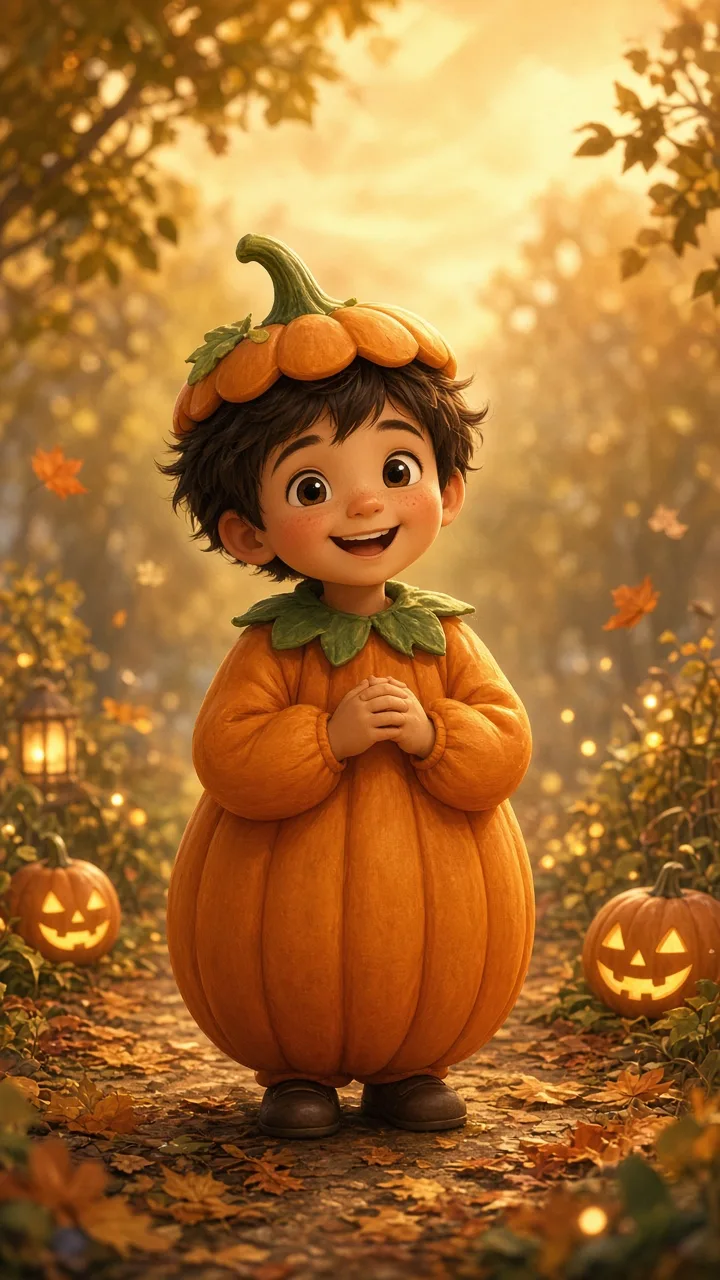
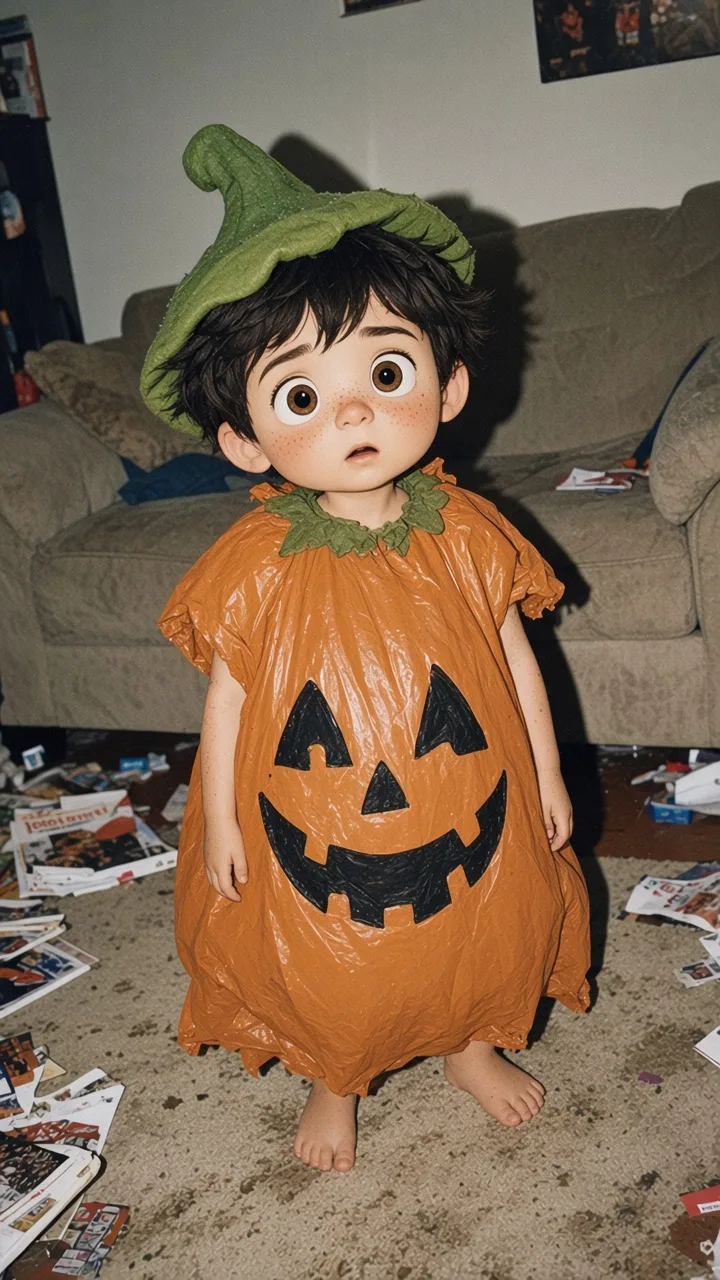
How it works
1. Upload
Add one childhood Halloween photo and type the costume.
2. Polish
Check the credit cost, then get a fairytale version.
3. Post
Download both 9:16 slides and post them as a carousel.
FAQ
What is the “I’m so sorry I lied” Halloween trend?
A two-slide TikTok photo carousel. Slide 1 shows a polished, fairytale version of your childhood Halloween costume with “When I was little I was a … for Halloween”. Slide 2 reveals the real photo with “I’m so sorry”.
How do I make the “Sorry I lied” slides?
Upload one childhood costume photo, type the costume and press Polish my photo. When the image is ready, open Make slides, pick the caption and download both slides.
What size are the slides?
1080 × 1920 pixels (9:16), the full-screen size for TikTok photo posts. The captions are already on the images, centered in white.
Can I change the captions?
Yes. Type any costume for slide 1, and choose “I’m so sorry” or “I’m so freaking sorry” for slide 2. The slides update as you type.
How much does it cost?
Making the slides is free. The polished photo uses credits, and you see the exact cost before anything runs. See Pricing for plans and credit packs.
Is my photo private?
Your photo is saved privately in your account and used only for your edit. Upload photos of yourself, or ones you have permission to use.