Edit Text in Image Online — Keep the Same Font
Replace words in a poster, menu, label or AI image and keep the original font, color and background.


How it works
1. Upload
Add a JPG, PNG or WebP of your own poster, menu, label or AI image.
2. Type the change
Enter the exact words to replace and the new words, up to three pairs.
3. Download
Review the result in the workspace, keep versions and download a PNG.
Examples
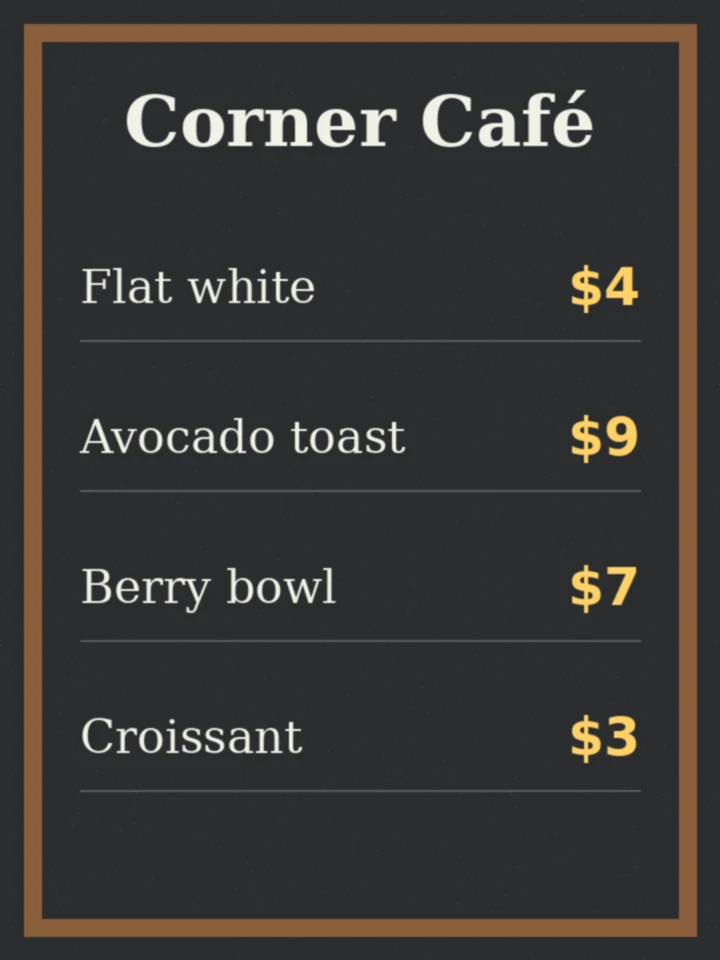
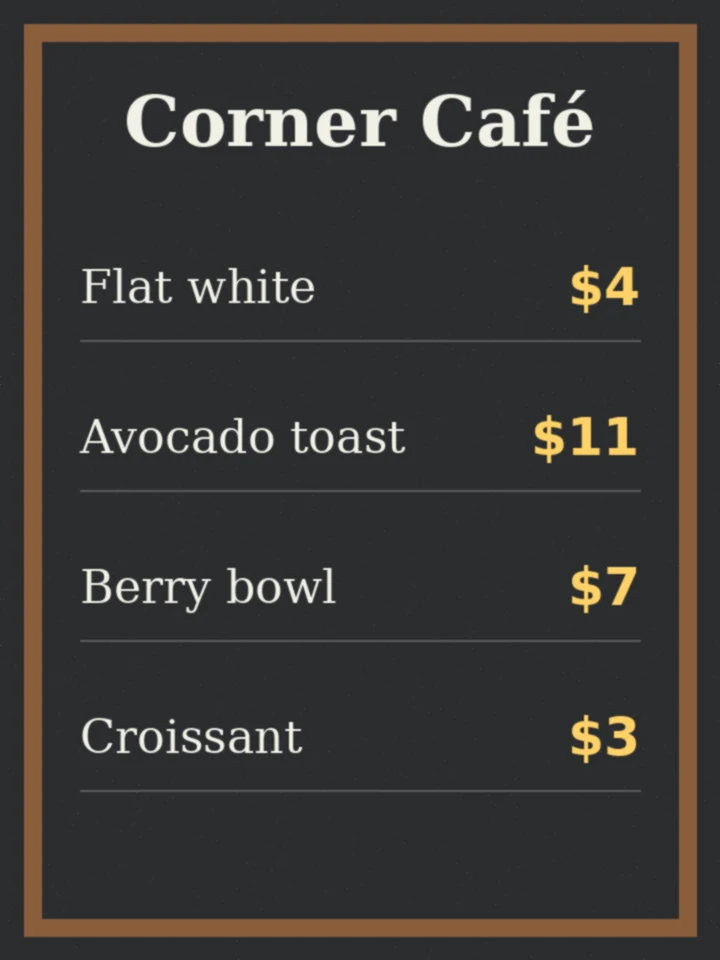
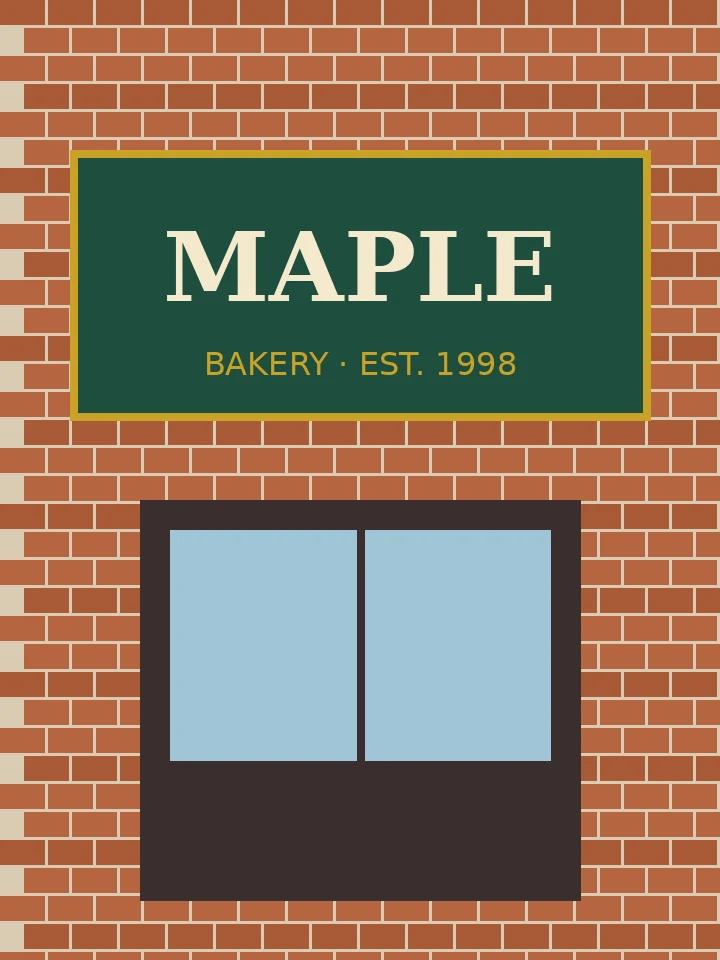
Illustrations drawn for this page to show the kind of change; your result depends on your image.

Making a new image with text instead?
Read the guide to readable text in images with MOSS Image, try MOSS Image online, restore a scan with Old photo restoration, try a haircut with the AI hairstyle changer, open the workspace or browse more tools.
FAQ
How do I edit text in an image online?
Upload the image, type the exact words you want to replace and the new words, then run the edit in the Alphaize workspace. The credit cost is shown before anything runs.
How do I edit text in an image and keep the same font?
The edit asks the model to match the original font, weight, size, color, spacing and perspective, and to leave every other pixel alone. Short replacements of similar length match best.
Can you edit text in a JPEG or PNG file?
Yes. JPG, PNG and WebP uploads work. The edited result is saved as a PNG version you can download or keep editing.
How do I edit text in an image without changing the background?
Only the words you list are targeted, and the instruction keeps the background, layout, objects and other text unchanged. Check the result and run a second edit if a detail moved.
How do I fix misspelled text in an AI-generated image?
Type the garbled or misspelled word as it appears, then the correct spelling. This works well for posters, signs and labels made with image generators.
Can I edit text in an image for free, without a watermark?
Each edit uses Alphaize credits. You'll see the exact cost before anything runs. If an edit is blocked or fails, the reserved credits are returned to your balance. Alphaize does not add a visible watermark.