Old Photo Restoration: Fix, Sharpen and Colorize Old Photos Online
Repair scratches and fading, sharpen gently, and colorize black-and-white prints while keeping the same faces. Alphaize restores at the source resolution with the existing edit model; it does not make photos larger.
How it works
1. Upload
Add a JPG, PNG or WebP of an old print or scan you own or have permission to edit.
2. Restore
Continue to the workspace, review the credit quote, then run the restore edit.
3. Download
Compare versions in the workspace and download a PNG when you are happy with the result.
Before and after
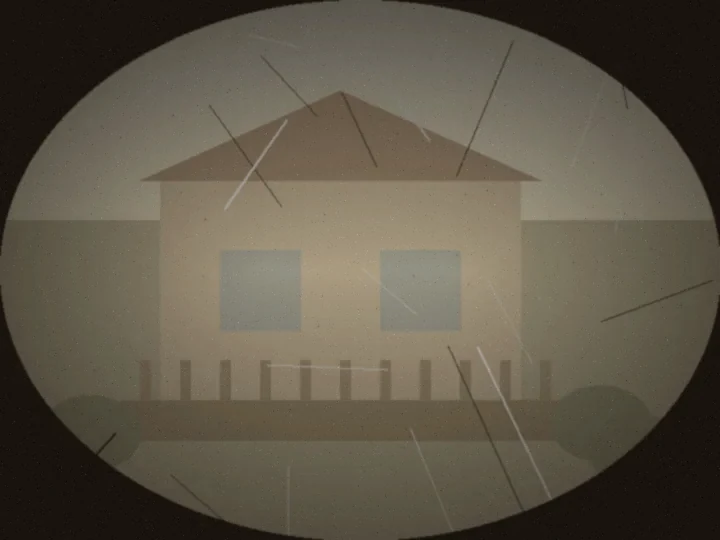
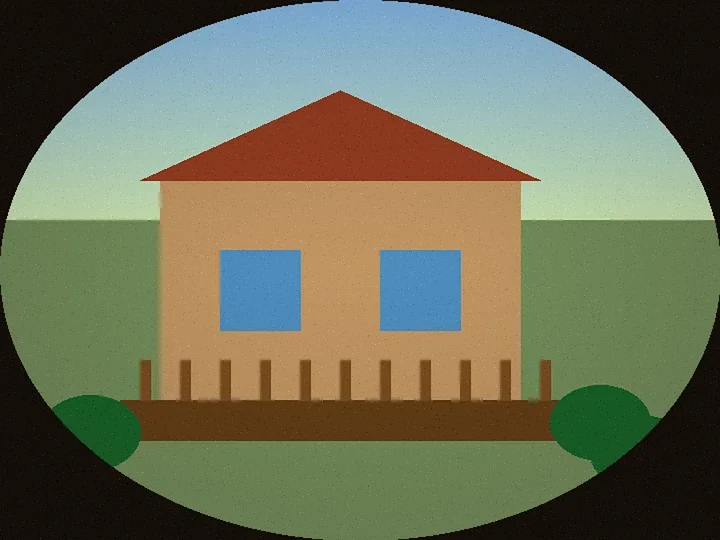
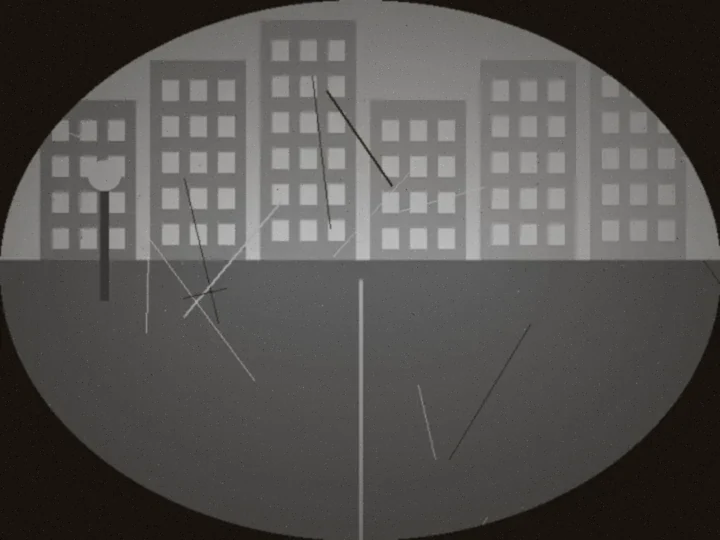
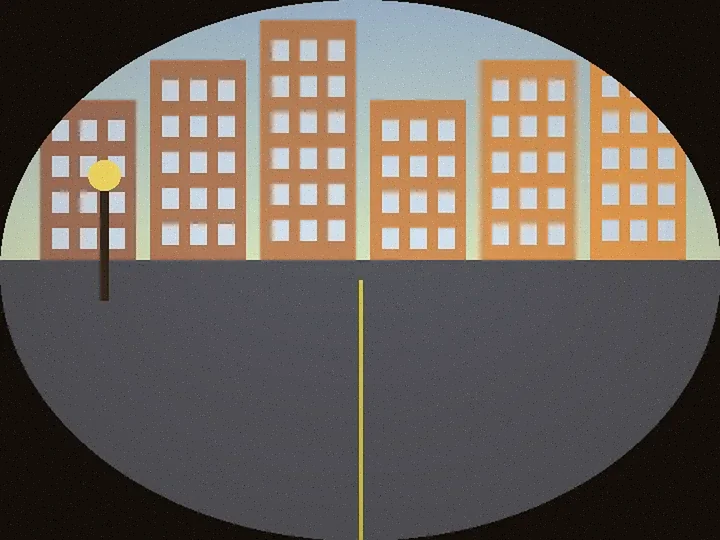
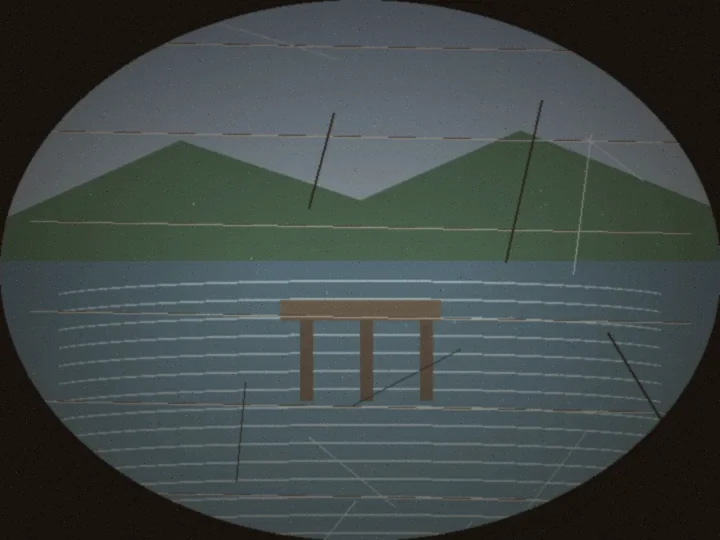
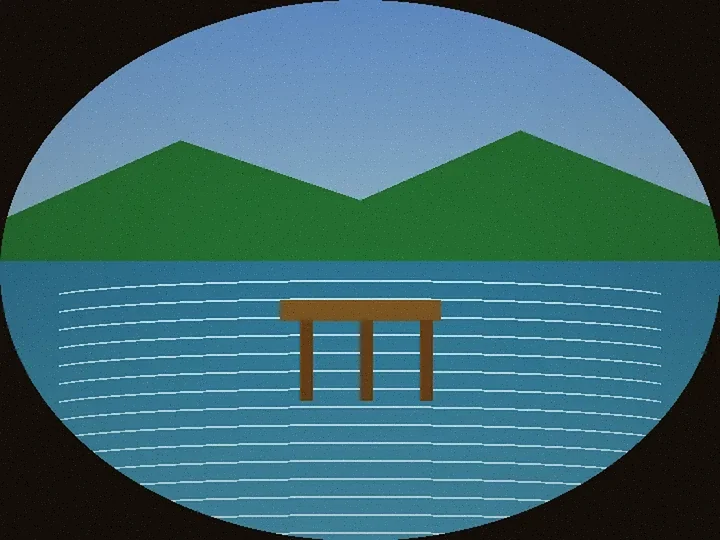
Illustrations drawn for this page to show the kind of change. They are not real private photos and not paid model outputs. Your result depends on your scan.
Keep editing after you restore
Open the restored version in the workspace, try Edit text in image, explore GPT Image 2.6, or browse more tools.
FAQ
How do I restore an old photo online with Alphaize?
Upload a scan or photo of the print, continue to the workspace, review the credit cost, then run the restore. The edit repairs scratches and fading, sharpens gently, and can colorize black-and-white photos.
How old can a photo be?
Any age works if the faces and main subjects are still visible. Very damaged, blank or tiny scans may need a cleaner rescan first. Results vary with the source quality.
Can it fix scratches, creases and stains?
Yes. The restore prompt asks the edit model to repair scratches, creases, dust and stains while keeping the original people and framing. Heavy damage may leave some marks.
Can it fix faded or yellowed colors?
Yes. Faded and yellowed prints are color-balanced toward a natural look. Extreme fade may not recover every original hue.
Can it colorize a black and white photo?
Yes. Black-and-white or sepia photos can receive realistic natural color while keeping the original mood, faces and clothing shapes.
Does Alphaize make old photos larger or higher resolution?
No. This page restores and colorizes at the source resolution. Alphaize has no separate tool that makes photos larger today.
How much does old photo restoration cost?
Each restore uses Alphaize credits. The workspace shows the exact cost before anything runs. New accounts may receive a small welcome credit balance; see Pricing for plans and packs.
Is my photo private, and how long is it kept?
Uploads stay in your private account and are used only for your edit. Retention follows the Privacy Policy. Remove versions you no longer need from the workspace.
Can I restore photos that show children or other people?
You must be 18 or older. Only upload a photo of a person if it is you or they agreed. Do not upload anyone who is under 18 today. A childhood photo of yourself is allowed under the Acceptable Use Policy.
Does Alphaize do face swaps or impersonation?
No. Restoration keeps the same faces and ages. Face swaps, deepfakes and impersonating a real person are not allowed under the Acceptable Use Policy.