Free Preview · Seedream 5.0 Lite
Try up to two free watermarked previews without signing in, each up to 512px on the longest side. Start with text or upload a reference image and compare the result with the original.
Start with a one-click preset or upload an image for 2 free previews—no sign-in required.
Curated visual style references and an existing case study—not live outputs from these presets.
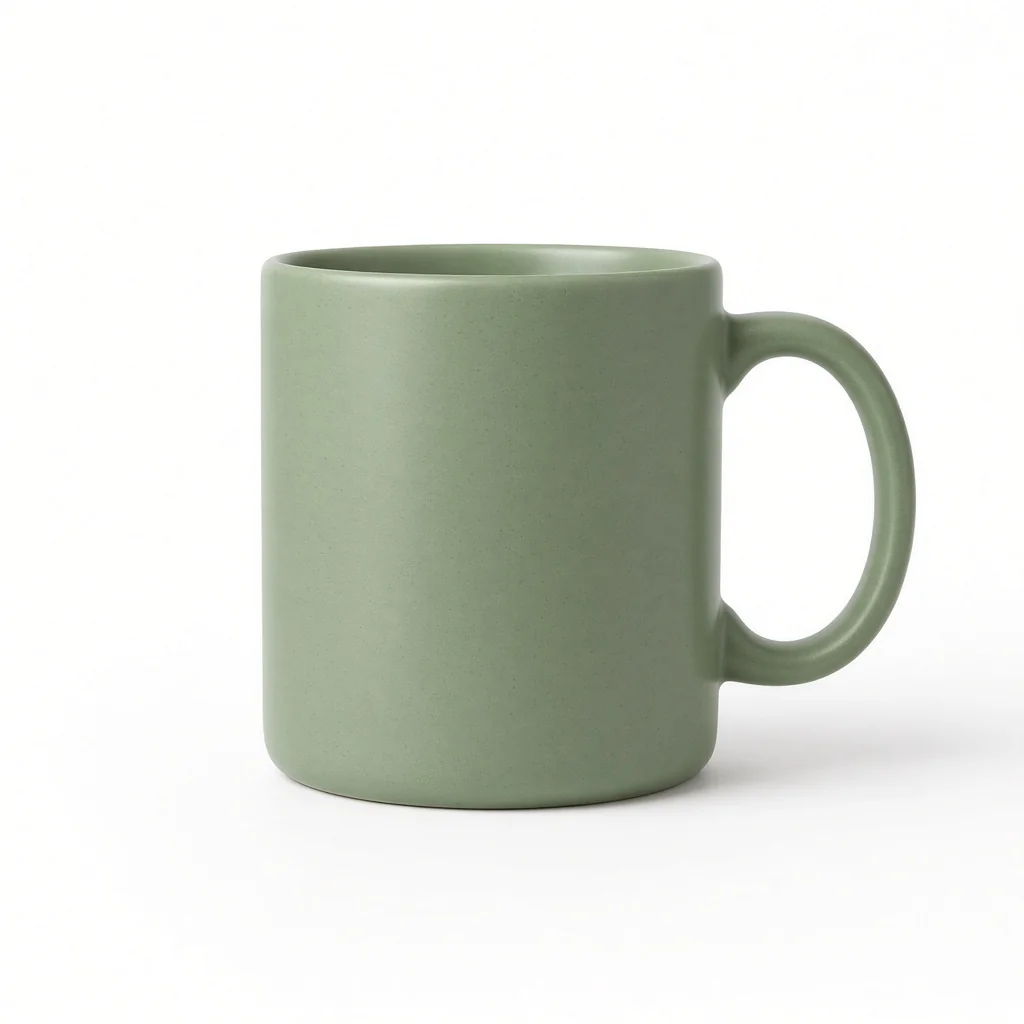 Existing Case Study · After
Region Edit & Background Swap: Existing case study (unrelated to this preset or guest output): same green ceramic mug before and after studio background replacement.
Alphaize runs Seedream 5.0 Lite for instant free previews and Seedream 5.5 / FLUX.2 Pro for HD & transparent PNG workflows.
Alphaize is independent and is not affiliated with or endorsed by ByteDance or Black Forest Labs. Seedream and FLUX are trademarks of their respective owners. This page does not use a Seedream 5.0 Pro endpoint.
Try up to two free watermarked previews without signing in, each up to 512px on the longest side. Start with text or upload a reference image and compare the result with the original.
Sign in for larger, watermark-free exports. Available models and credit costs are shown in the workspace.
See one-time pack pricingYou can make up to two free Seedream 5.0 Lite previews, each watermarked and up to 512px on the longest side. The allowance is issued once per network, subject to availability.
Sign in to use the HD workspace and export without a watermark. Check that you have the rights to the source material and that your use meets the applicable terms.
The one-time credit pack is a single purchase. See Pricing for the current price, credits, and estimated exports by model.
Try the multilingual poster and ecommerce banner presets. Check spelling and product details before using the result in a campaign.
This tool starts with Seedream 5.0 Lite previews. The Seedream 5.5 page covers native transparent PNGs and multi-round editing in the HD workspace.